New Model Type ‘Accessory’
A new model type “ACCESSORY” available in Classify user interface.
What is the benefit of this enhancement?
Models related to the design but not requiring processing can be marked as “ACCESSORY”.
Usage
Click and select the model to open Classify user interface.
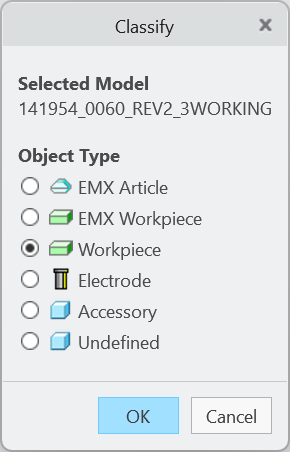
Use object type “ACCESSORY” to make selected model known to SMARTElectrode. Effects of model type:
- makes sure that the selected model is not processed by the application
- removes component color for unknown objects (color error)
Additional Information
|
Tips:
|
None.
|
|
Limitations:
|
No known limitations.
|
|
Does this replace existing functionality?
|
No. |
|
Configuration options associated with this functionality:
|
None. |