To Trim the Ejector Pin Heads
Download 40 To Trim the Ejector Pin Heads to start from with this chapter.
Trim the Ejector Pin Heads
- Open the TUTOR_MH_EPINS.ASMSome ejector pin heads still interfere.
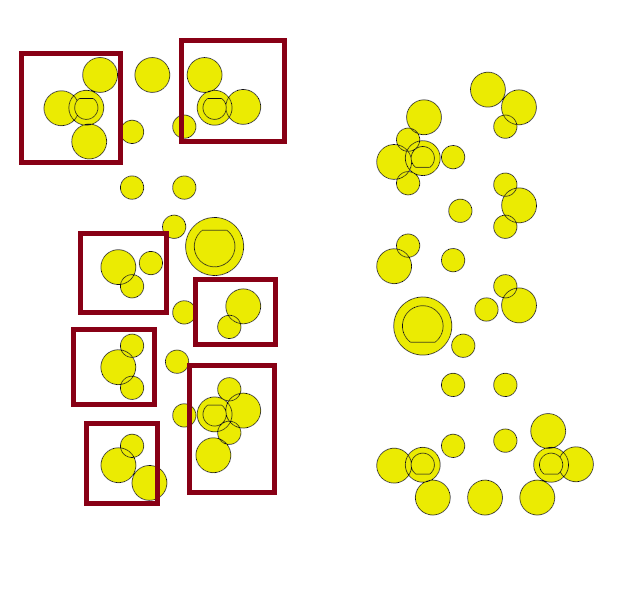
- Select EMX Components Ejector Pin
 Trim Ejector Pin Heads .The Trim Ejector Pin Heads dashboard opens
 - Choose a Mode to trim
 First Pin,
  Both Pins,
  Second Pin.
 - Choose a Gap size.
- Open the Pairs slide down page and click
 Add Pair to start trimming.
 - Select the first ejector pin of an interfering ejector pin pair.
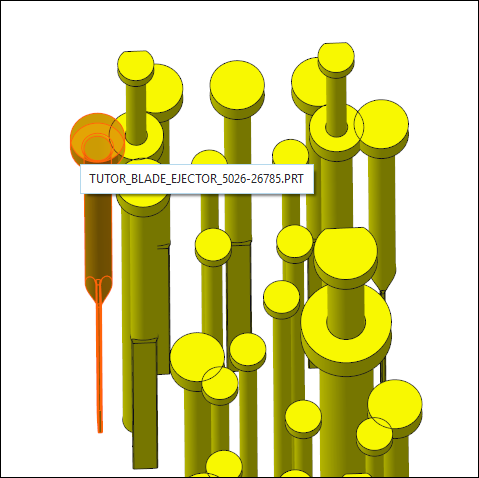
- Select the second ejector pin of an interfering ejector pin pair.
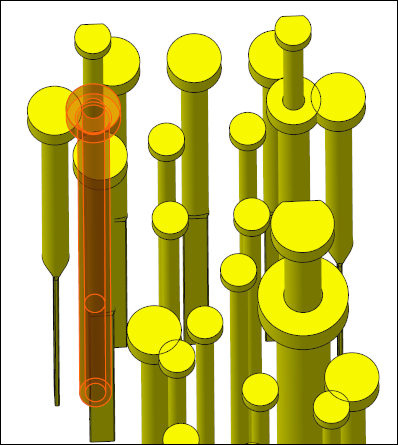
- Continue to select all pairs of interfering ejector pins.
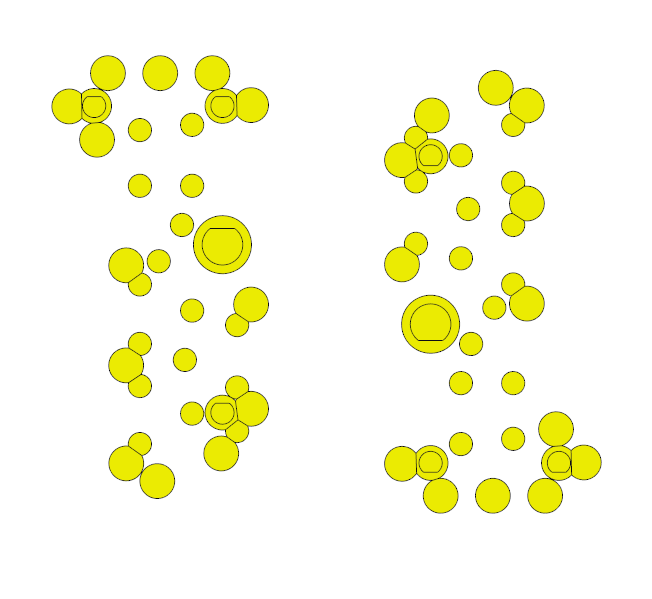
- Leave selection loop with Cancel.
- Close TUTOR_MH_EPINS.ASM to return to the main assembly.
Edit trimmed Ejector Pin Head Pairs
Open the Pairs slide down page and select a Pair entry in the list.
- Click
 Go To Pair to zoom in on a selected pair in the list.
- Click
 Find In List to highlight the entry in the list of a selected pin in the list.
 - Click
 Remove Pair to delete assembled trim udfs from the selected pair in the list.
 - Click
 Icon next to Ejector Pin 1 or Ejector Pin 2 to choose a different highlight color.
Open the Interference slide down page.
- Click
 Show Pin Head Interference to highlight all interfering pin models in the graphics window.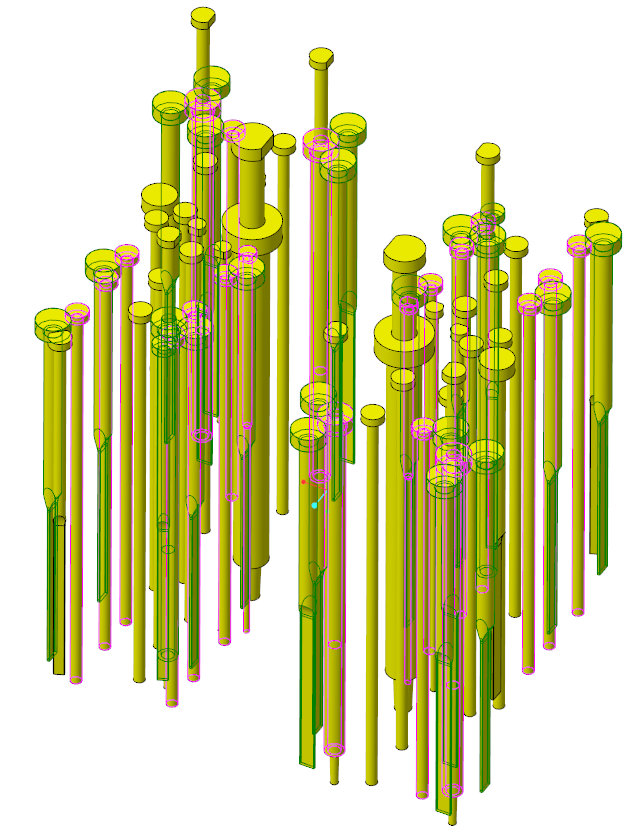
Close the dashboard with  to accept, or
  to remove all newly created trim udfs.
to accept, or to remove all newly created trim udfs.